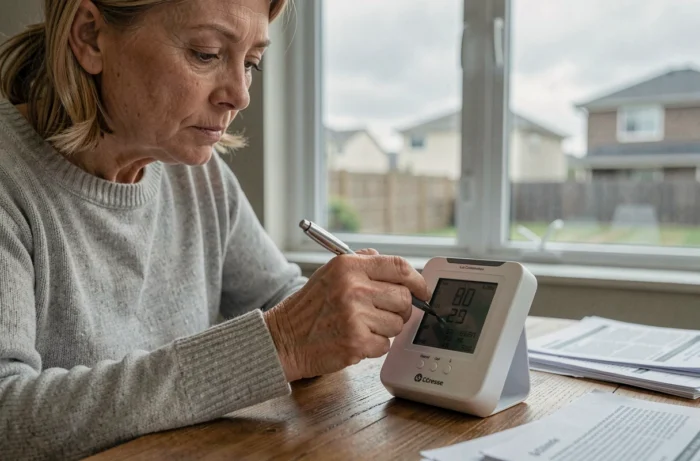
The La Crosse Technology weather stations sometimes display inconsistent data, lose the signal from the outdoor sensor, or freeze their screen after a power outage. Resetting remains the first reflex recommended by the manufacturer to restore normal operation. The procedure varies depending on whether the model is standalone (radio-controlled) or connected via Wi-Fi to the La Crosse View app, and this distinction radically changes the steps to follow.
Software Unpairing Before Hardware Reset on Wi-Fi Models
On recent models from the connected range, the reset does not start with a physical button. It begins in the La Crosse View app. The correct sequence is: app first, hardware second. Ignoring this step regularly leads to failures in reconnecting to the Wi-Fi network after the reset.
Specifically, you need to open the app, access the station settings, and then initiate the unpairing of the device. Only after this software removal does the removal of the batteries and pressing the physical RESET button make sense. The guided reconnection to the network and user account is then done from the app, not from the station.
This point is absent from most guides that only describe the RESET button on the back of the case. To find out how to reset a La Crosse Technology weather station according to your exact model, the distinction between standalone and connected models is the first criterion to check.
Hardware Reset of a Classic La Crosse Technology Weather Station
For radio-controlled models without Wi-Fi (like the WS7394 or the WS6862), the procedure relies on a precise physical sequence. If not executed correctly, it leaves configuration residues that prevent the resynchronization of the outdoor sensor.
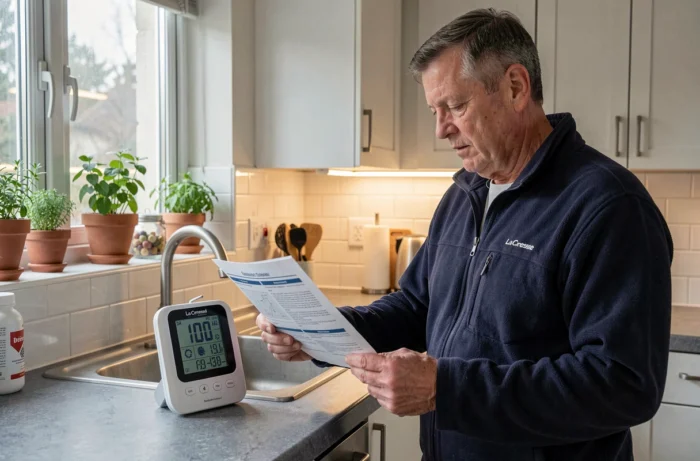
Here are the steps to follow in order:
- Remove the batteries from the outdoor sensor (transmitter) first, then from the base station. Wait several minutes for the capacitors to fully discharge.
- Locate the RESET button on the back of the station (a small hole requiring a paperclip or fine point). Press it for a few seconds.
- Reinsert the batteries into the outdoor sensor first, wait for it to emit its first data, then put the batteries back in the base station.
- Leave the station in receiving mode without touching any buttons for several minutes. Synchronization with the DCF time signal and the sensor occurs automatically, but any interruption restarts the process from the beginning.
The order of powering back on is crucial: sensor first, base second. Reversing this sequence is the most common cause of a sensor remaining silent after a reset.
StarMeteo Shutdown: A Blocking Factor After Reset
Some La Crosse Technology models relied on the StarMeteo service to receive enhanced weather forecasts. This service has been permanently discontinued, and field reports converge on one point: stations linked to StarMeteo do not regain all their functions after a reset.
The forecast icons remain empty, or the station repeatedly tries to capture a signal that no longer exists. This behavior is not due to a hardware defect or a mishandling. It is a software obsolescence that the reset cannot correct.
French technical communities have documented workarounds, including hijacking the POCSAG radio protocol to inject forecasts from alternative sources. These approaches are reserved for DIY profiles comfortable with electronics and are not supported by La Crosse Technology.
If your station displays empty forecasts after a complete reset, first check if your model was among those connected to StarMeteo. The official support page of La Crosse Technology France allows you to identify the affected products.
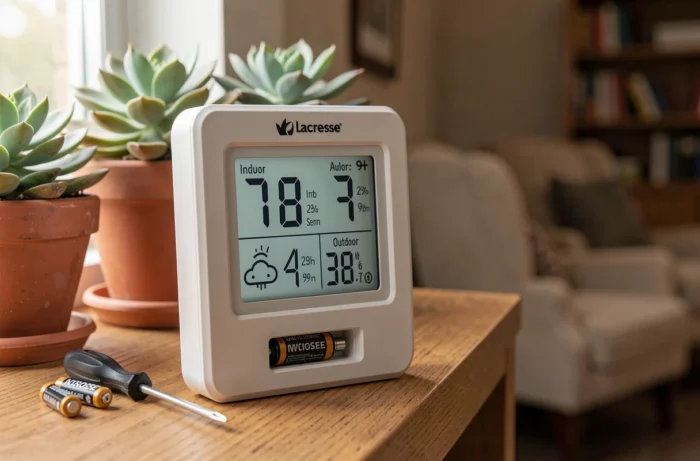
La Crosse Technology Outdoor Sensor: Diagnosis When the Signal Does Not Return
A successful reset on the station side does not guarantee that the outdoor sensor will reconnect. Several hardware factors can block the reassociation, and confusing them with a software issue wastes time.
- Weak batteries in the transmitter produce a signal that is too weak to be captured. Use new, high-quality batteries (not rechargeable batteries, which often have a lower nominal voltage).
- The distance between the sensor and the base exceeds the effective range. La Crosse Technology manuals indicate a theoretical range in free field, but load-bearing walls and metal structures significantly reduce the actual range.
- Another device is transmitting on the same radio frequency and interfering with the communication. Temporarily moving nearby electronic devices can help test this hypothesis.
If after a correct reset, new batteries, and physical proximity the sensor remains invisible, the failure is likely hardware-related. The transmitter itself may be faulty, especially after several years of exposure to the elements.
Post-Reset Settings Not to Overlook
Once the station is reset and the sensor reconnected, some settings revert to their default values. The reference atmospheric pressure must be manually recalibrated for the weather forecast icons to be usable. Without this adjustment, the displayed trends do not match local conditions.
The display format (12h/24h, Celsius/Fahrenheit) and the time zone are also reset. On radio-controlled models, receiving the DCF signal may take time depending on your geographical location and reception conditions. Placing the station near a window facing Frankfurt speeds up time synchronization, as the DCF signal is emitted from Germany.
For connected models, reconnecting to the Wi-Fi network from the La Crosse View app requires re-entering the network password. Ensure that your router is broadcasting in 2.4 GHz, as most La Crosse Technology stations do not support 5 GHz.
Resetting a La Crosse Technology weather station remains an accessible operation, provided you follow the order of operations and consider the specifics of each product generation. Connected models require mandatory use of the app, older models dependent on StarMeteo have structural limitations, and in all cases, recalibrating after a reset conditions the reliability of the displayed data.