
Three failed attempts on the PIN code and the screen displays “SIM locked, enter the PUK code.” The situation is common, but it quickly becomes stressful when you have thrown away the plastic holder of the SIM card and can’t remember your Orange credentials. Here’s how to retrieve that famous Orange PUK code depending on your situation, including when you no longer have access to anything.
Retrieve the Orange PUK code without account access or SIM holder
Most online guides assume you still have your Customer Space at hand. In reality, you often find yourself with a locked phone, a forgotten password, and a SIM card holder thrown away long ago.
When neither the online account nor the physical holder is available, contacting customer service remains the only reliable option. Orange will then ask you to prove that you are indeed the account holder. Responses vary on this point, but generally, you will be asked to provide an ID matching the name associated with the contract.
By phone, the number to call is 0 800 100 740 (service and calls are free from a landline or another mobile in mainland France). An advisor will verify your identity based on the contract information: name, first name, address, and sometimes the confidential code found on the mobile bill.
If you are calling from a friend’s phone, prepare your Orange line number and an ID. In an Orange store, the process is similar: you will be identified upon presenting an official document, and then the advisor will access the PUK linked to your SIM card. For those looking to obtain the Orange PUK code quickly, this route remains the most direct when digital channels are inaccessible.
Orange PUK code from Customer Space or the Orange and Me app
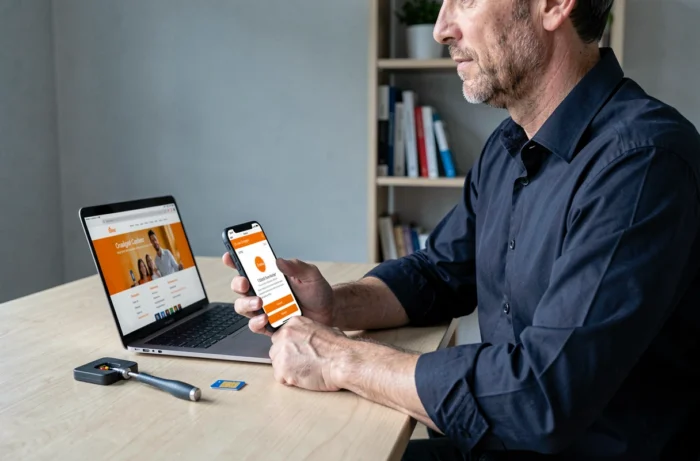
When you still have your credentials, retrieval takes less than a minute. Two paths are possible, and both yield the same result.
On the orange.fr website
Log in to your Orange Customer Space. In the Mobile section, select the relevant number, then click on “Manage and troubleshoot.” The PUK code is displayed directly on the screen, without delay or SMS sending.
From the Orange and Me app
Open the app on another device connected to your account (tablet, second phone). Go to the “Blocked SIM card” section to display the PUK code. This process works even if the blocked SIM is in your only phone, as long as the app is installed on another already authenticated device.
A useful detail: the PUK code is linked to the SIM card, not the phone. If you change your mobile but keep the same SIM, the PUK remains the same. However, if you order a new SIM card, a new PUK will be assigned.
Entering the PUK code and creating a new PIN code
Once you have the PUK in hand, the unlocking procedure always follows the same pattern, regardless of the phone model.
- Unlock the home screen to display the PUK entry field
- Enter the eight digits of the PUK, then confirm
- Choose a new personal PIN code (between four and eight digits, avoiding obvious combinations like 0000 or 1234)
- Confirm this new PIN code by entering it a second time
The SIM card unlocks immediately. The network reappears in the seconds that follow. If the phone remains locked after correctly entering the PUK, the problem likely lies with the SIM card itself.
SIM card still locked after entering the PUK: when to order a replacement

After too many incorrect attempts on the PUK, the SIM card locks permanently. No code will be able to reactivate it. The only solution at this stage is to order a new SIM card.
From the Orange Customer Space or the Orange and Me app, go to the “Change SIM card / eSIM” section. The new card will be linked to your existing number. You keep your plan, options, and phone number.
For eligible subscribers, switching to an eSIM completely avoids this type of lock in the future, as the SIM profile is integrated directly into the phone and no longer depends on a physical holder.
Avoid SIM lock: practical reflexes to adopt
You never think about it until it happens. A few simple precautions reduce the risk of getting stuck.
- Note your PUK code in a password manager or a notebook separate from the phone
- Keep the plastic holder of the SIM card in an identified drawer (the PUK is printed on the back)
- Check that you can log into your Orange Customer Space before you need it urgently
- If you use a work phone, ask the fleet manager to keep the PUK codes centrally
The default PIN code provided by Orange at SIM activation should be changed to a personal code that you will remember. This is the simplest way to avoid the three failed attempts that trigger the lock.
Locking an Orange SIM card remains a minor incident as long as you can access the PUK through at least one channel. The real difficulty arises when all access is lost simultaneously. Keeping a record of the PUK outside the phone is the kind of precaution that takes only thirty seconds and saves an hour on the phone with customer service.